One shared knowledge base
Notes, conversations, code changes, memories and tasks land in the same local database. Retrieval and agents see the same context, with no cross-app copy-paste.
Hetu is an AI workspace that lives on your machine. Markdown notes, agent conversations and coding sessions share one database; retrieval, graph, Wiki and memory grow from the same soil. Model calls only go to providers you configure.
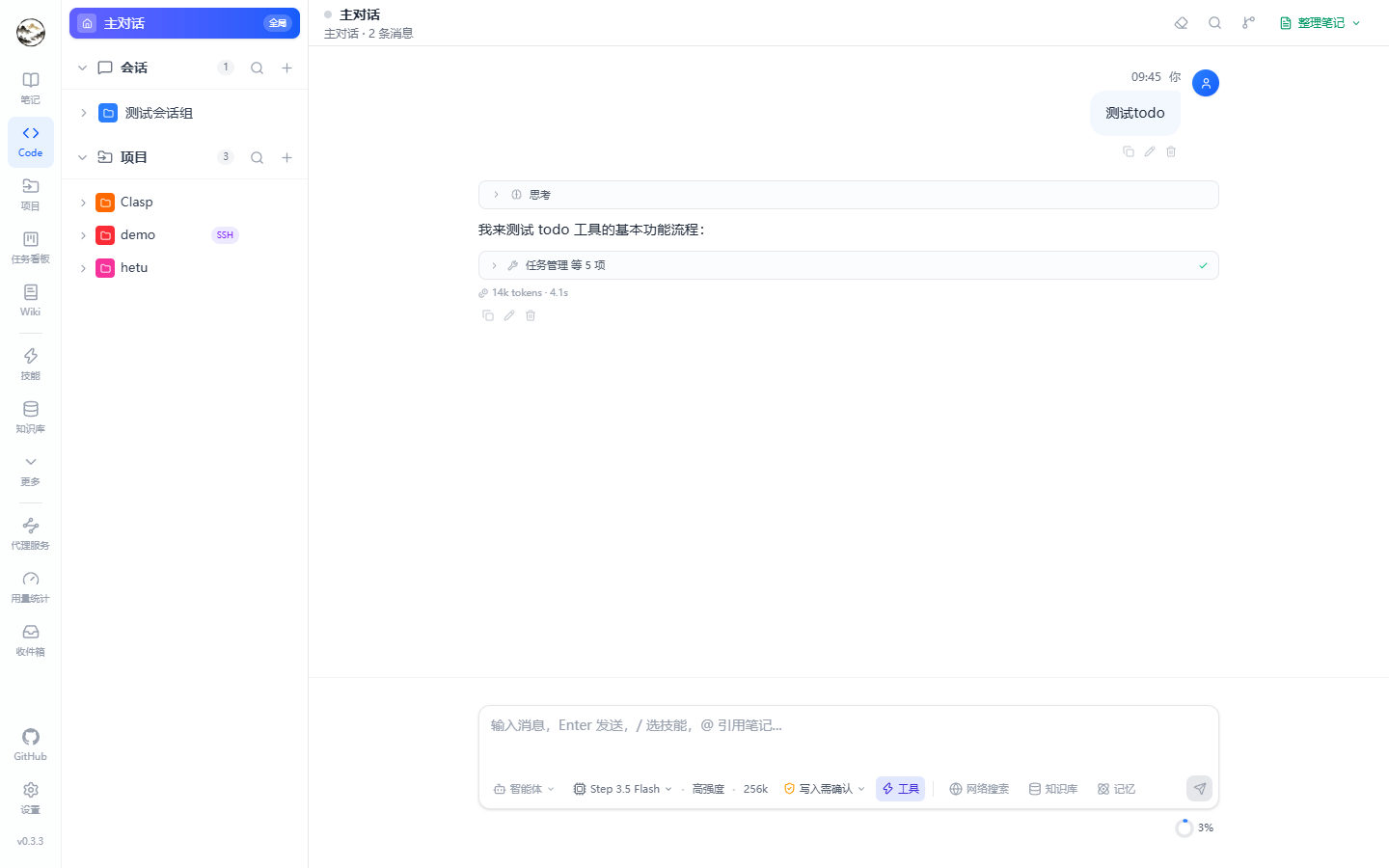
The notes page is for settling ideas, chat is for thinking, Code sessions are for doing the work. Not three apps — three entry points into one knowledge base.
Notes, conversations, code changes, memories and tasks land in the same local database. Retrieval and agents see the same context, with no cross-app copy-paste.
Switch between Milkdown WYSIWYG and source view; select text to polish, translate, condense or expand. History, sharing, trash and export stay in place.
Notes docs →Streaming replies over SSE, tool calls with approvals, five permission modes and mid-run steering. Long tasks can be delegated while key actions still need your nod.
Workspace docs →Give each task its own worktree and work in the real repository. Line-by-line diff, checkpoint rollback, terminal, browser, Git and pull requests — every panel included.
Code docs →Notes, files and URLs are chunked and embedded; the graph links entities and relations; Wiki turns a repository into readable documentation.
Knowledge docs →Remember preferences and project context across sessions, recalled by scope. Dream periodically merges, decays and forgets so the memory store stays clean.
Memory docs →Hand board tasks to agents, chain multi-step processes into workflows, and grow the tool surface with MCP servers, skills and agents. Every run leaves reviewable steps and artifacts.
Kanban & automation docs →Real screenshots, not concept renders. Switch tabs to explore notes, Code, graph, Wiki, memory and usage; open an image for full size.
Not another chat box, but a network that grows: every note, question and change becomes context for the next piece of work.
Keep notes, files, web pages and conversations on your machine. No account, no cloud copy, and a data directory you control.
Chunks, vectors, entities, relations, Wiki pages and memories are indexed automatically, so the next question finds the last context.
Agents search, call tools, edit repositories and run tasks on the same base. Every step is recorded, reviewable and reversible.
Hetu needs no account, uploads nothing and collects no telemetry. The SQLite database, vector index, keys and logs live on your disk; model requests only go to the providers you configure.
Data & securityThe desktop build is the easy path; run from source if you want to change the code. Both have full setup and data-directory docs.
Installers for Windows and Linux. Closing the window leaves Hetu in the tray, with the backend and background jobs still running.
# Windows: Hetu_x.y.z_x64-setup.exe / .msi
# Linux:   .AppImage / .deb
#
# Two independent update channels:
#   fat  = bundles the .NET 10 runtime
# slim = requires the system .NET 10 runtimeRequires .NET SDK 10.0+ and Node.js 20+. The frontend runs on 5174 and the API on 5000.
git clone https://github.com/wosledon/Hetu
cd Hetu

pwsh ./scripts/start.ps1   # Windows
./scripts/start.sh # Linux / macOSEvery page covers the path through the UI, configuration, where data lands and how to troubleshoot. The deep dives map directly to the loop, compression and permission code.
No account, no cloud. Configure one model provider and you are ready.